Markdown Viewers & Tools
July 20, 2026
By Antoine Frankart
What Is a Markdown File (.md) and How Do You Open It?
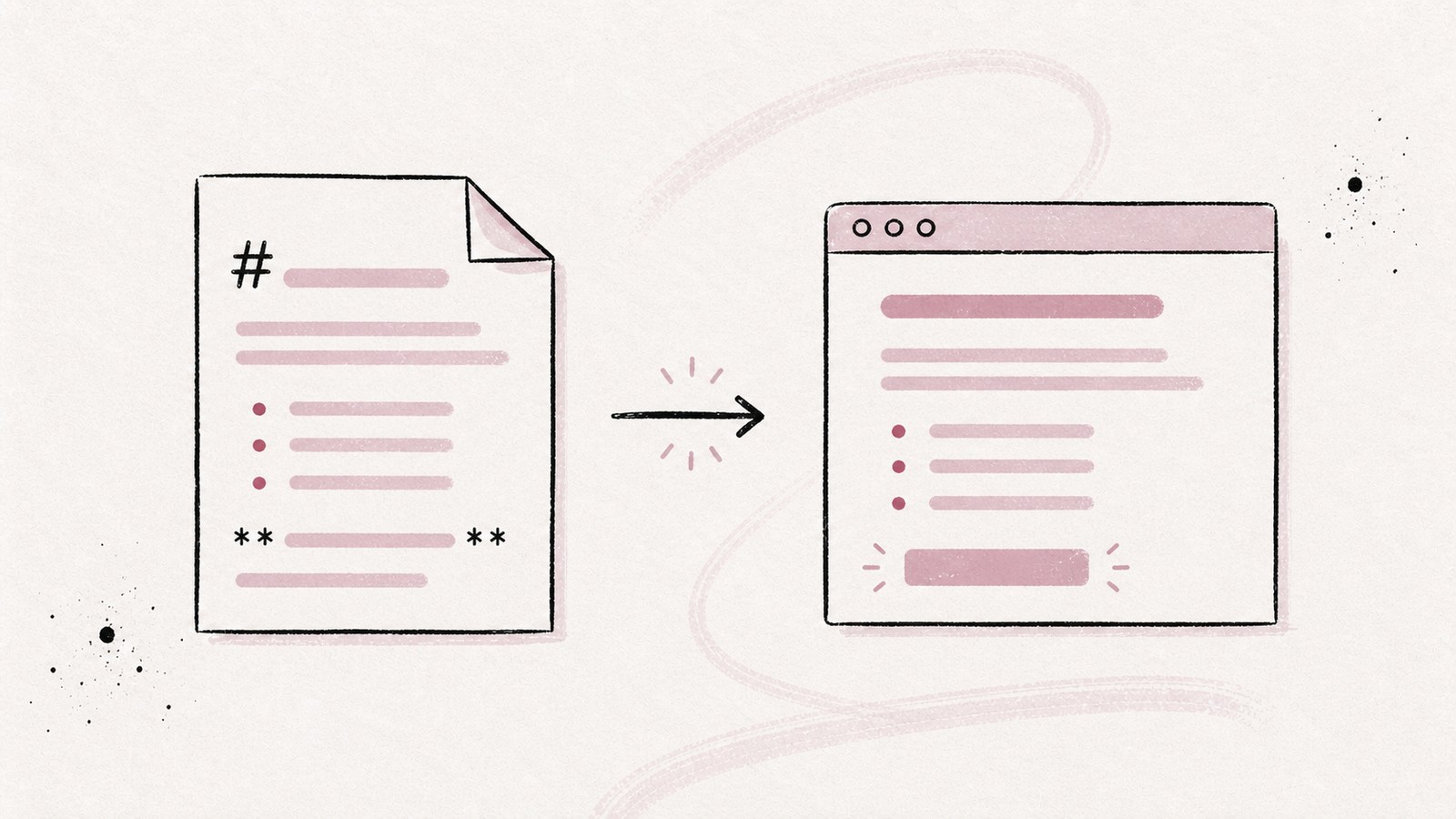
You've just downloaded a README.md file. You double-click it and, instead of a formatted document, you see hashes, asterisks, and brackets. The file isn't corrupted. Your app is simply showing its source instead of its rendered output.
This is the most common source of confusion with Markdown files: the same file can look like plain text in an editor, then become a properly structured document in a Markdown reader.
If you want to get straight to the point:
- to display copied Markdown, paste it into the free reader on Fude.md;
- to read and organize local
.mdfiles, use the Fude app; - to edit their source, open them in a text or code editor.
In this guide, I'll explain what a .md file actually contains, how to open one on Mac and Windows, and which tool to choose depending on whether you want to read, edit, or publish it.
1. What is a Markdown file?
A Markdown file is a text file that uses lightweight syntax to describe its structure. It usually has the .md extension, although you may also see .markdown.
Here is what its raw content looks like:
# Installation guide

Welcome to the project documentation.

## Prerequisites

- Node.js 24
- pnpm
- A terminal

Read the [full documentation](https://example.com) before you begin.
In a text editor, you see those exact characters. In a Markdown reader, the first # becomes a large heading, the hyphens become a list, and the text inside brackets becomes a clickable link.
The important point is that formatting isn't stored the way it is in a Word file. A .docx file contains a complex internal structure compressed together with its styles and metadata. A .md file remains readable text. The software that opens it interprets the Markdown characters and builds the visual output.
That makes the format useful for storing and sharing content. Even without a specialized app, you can always open the file and read what it contains.
2. What are .md files used for?
The best-known Markdown file is probably README.md. On GitHub, it introduces a project, explains how to install it, and documents how it works. But the format is no longer limited to code repositories.
You will find .md files in many different contexts:
- technical documentation and knowledge bases;
- personal notes and personal knowledge management systems;
- blogs built with Nuxt Content, Astro, Hugo, or Jekyll;
- product specs, meeting notes, and project journals;
- answers generated by ChatGPT, Claude, and other AI assistants;
- instruction files used by development agents.
This adoption isn't accidental. Markdown preserves the document's structure without making the raw text painful to read. I explore that relationship in more detail in the article about why AI responds in Markdown.
A .md file can also contain links, images, tables, code blocks, and horizontal rules. The available features still depend on the renderer you use.
3. Which tool should you use to open a Markdown file?
Technically, almost any text editor can open a Markdown file. But "open" can describe two very different results.
| Your goal | Type of tool | What you see |
|---|---|---|
| Read the content quickly | Text editor | The source with its Markdown characters |
| Read a formatted document | Markdown reader | Rendered headings, lists, links, and images |
| Modify the file | Markdown editor | The source, often with a preview |
| Work on technical documentation | Code editor | The source, syntax highlighting, and a separate preview |
| Read a public README | GitHub or GitLab | The document rendered by the platform |
If you see # Heading instead of a visual heading, your file is open. You are simply looking at source mode.
It is a bit like opening a web page in a code editor instead of a browser. The file is the same, but the tool isn't showing you the same layer.
A Markdown reader for reading
A reader prioritizes the rendered output: typography, line length, navigation between sections, tables, images, and code blocks. It hides the syntax so you can focus on the content.
It is the right choice when you want to:
- review documentation;
- read long notes;
- go through answers produced by an AI;
- present a document to someone who doesn't need to edit it.
A Markdown editor for writing
An editor prioritizes input. It displays the syntax, often provides autocomplete, and may include a live preview.
It is the right choice when you want to:
- write or correct the document;
- control links and image paths precisely;
- work with Git;
- write documentation inside a code project.
Some tools try to do both. That works well for quick edits, but an editor interface is rarely as comfortable as a dedicated reading mode.
4. Reading Markdown with Fude: two needs, two tools
Fude gives you two ways to read Markdown. They use the same rendering engine, but they start with different kinds of content.
Display copied Markdown for free on Fude.md
Have you copied a ChatGPT response, a README excerpt, or the content of a note? The free Markdown reader on Fude.md is the shortest path:
- Paste the Markdown into the left panel.
- The formatted preview appears immediately on the right.
- Close the tab when you're done.
The tool works without an account or a file upload. Rendering happens locally in your browser: the content you paste never leaves the tab and isn't stored by Fude. Among other features, it supports tables, syntax-highlighted code blocks, and Mermaid diagrams.
This option is designed for one-off content that is already on your clipboard. There is nothing to install, and you don't have to send your text to a remote conversion service.
Open and read .md files with the Fude app
If your Markdown already exists as files on your drive, the Fude app serves a different need. It opens .md files as documents with a reading-focused layout, then lets you organize them into projects.
You no longer have to copy content into a web page manually. Your local files remain the source of truth, and you read them directly from your library. This is better suited to documentation folders, personal notes, specifications, and collections of AI-generated answers that you revisit regularly.
That is why I am building Fude as a Markdown reader centered on reading, rather than another code editor.
The distinction is simple:
- copied Markdown you want to check quickly: use the free reader on Fude.md;
- local Markdown files you want to read and organize: use the Fude app.
5. How to open a .md file on Mac with a pre-installed app
On macOS, you can read the source of a Markdown file with TextEdit:
- Right-click the
.mdfile in Finder. - Choose Open With.
- Select TextEdit.
TextEdit displays the text and its formatting characters. That is enough to inspect the content or correct a sentence, but it isn't a true reading view.
To see the rendered document, open it with a Markdown reader. Headings regain their hierarchy, tables become readable, and images appear in place. That is the difference between reading the document's source code and reading the document itself.
If you are a developer, Visual Studio Code provides both views:
- Open the
.mdfile in VS Code. - Press
Shift + Cmd + Vto open the preview. - Use
Cmd + K, thenV, to keep the source and preview side by side.
To associate every .md file with the same app on Mac, select a file in Finder, open Get Info, choose the app under Open with, then click Change All.
6. How to open a .md file on Windows with a pre-installed app
Windows can open a Markdown file with Notepad:
- Right-click the file.
- Select Open with.
- Choose Notepad.
Again, you will see the source. Notepad understands the text, but it doesn't turn Markdown syntax into a formatted document.
For a formatted view, use a Markdown reader or an editor with a preview mode. In Visual Studio Code, open the file and use Ctrl + Shift + V to display the rendered output. You can also use Ctrl + K, then V, to show the preview next to the source.
If Windows adds .txt to the filename, make sure file extensions are visible in File Explorer. A file named notes.md.txt is still a regular text file as far as the system is concerned. Rename it to notes.md so Markdown apps can recognize it correctly.
7. Can you open a Markdown file in a browser?
A browser can display text, but it doesn't consistently render local Markdown files. Depending on the browser and its configuration, a .md file may appear as plain text, download automatically, or fail to open as expected.
Platforms such as GitHub handle the problem on the server. When you open a .md file in a repository, GitHub parses its syntax and displays the rendered document. You can then switch to the source view when needed.
For a one-off preview, you can also copy the content into the free Markdown reader on Fude.md. Unlike a viewer that asks for the complete file, this tool starts with the text you paste and renders it directly in the tab.
Be careful with viewers that ask you to upload the file. A public README isn't particularly sensitive. A private note, product specification, or document containing confidential information shouldn't be sent to a service unless you understand its privacy and data-retention policies.
8. Can you open a .md file in Word?
Word may be able to open the text inside a .md file, but you shouldn't expect complete and consistent Markdown rendering. Depending on the version, platform, and opening method, you may get raw text or a document whose formatting hasn't been interpreted as expected.
If you only need to read or correct the text, a text editor is enough. If you need to deliver a Word document, convert the Markdown to .docx with an appropriate tool, then check the result: complex tables, code blocks, notes, and images often need adjustments.
Renaming report.md to report.docx doesn't convert the file. It only changes the extension. The content remains Markdown, and Word may treat the file as invalid.
The same rule applies to PDF: renaming the file doesn't create a PDF. You first need to render the Markdown, then print or export it to the format you need.
9. How to create a Markdown file
You don't need specialized software to create a .md file. Any editor that can save plain text will work.
Create a new file with this content:
# My first note

Here is a paragraph with some **bold text**.

## To do

- Read the documentation
- Add an image
- Share the file
Save it as my-first-note.md, preferably with UTF-8 encoding.
On Mac, TextEdit creates rich-text documents by default in some configurations. Use Format > Make Plain Text before saving. On Windows, choose All Files in the save dialog if Notepad tries to append .txt.
You can then open the file in a Markdown reader to check the output. To go further, the blog guides explain how to create Markdown links, add local or remote images, and build Markdown tables.
10. Troubleshooting common problems
"I see hashes and asterisks"
You are looking at the file's source. Open it in a Markdown reader or enable your editor's preview mode.
"My file is named document.md.txt"
The editor added the .txt extension. Make extensions visible in Finder or File Explorer, then rename the file to document.md.
"The images don't appear"
A Markdown file usually doesn't contain the images themselves. It contains their paths. If you move only the .md file without the related image folder, relative references break.
Check the path and filename casing. The guide to images in Markdown covers relative paths, formats, and differences between Mac and GitHub.
"The links aren't clickable"
A plain-text editor doesn't necessarily turn links into interactive elements. Switch to preview mode or use a reader. If the link is still broken in the rendered output, check its syntax in the guide to Markdown links.
"Accented characters look wrong"
The file probably uses a different encoding than the app expects. Save it again as UTF-8, the most portable encoding for Markdown files.
"The output changes between apps"
Markdown has several variants. CommonMark defines a shared foundation, while GitHub Flavored Markdown adds features including tables, task lists, and strikethrough. Other tools support footnotes, Mermaid diagrams, or frontmatter.
The text remains readable everywhere, but extensions aren't always rendered in the same way. If your document needs to work in several tools, test it in each one and favor standard syntax.
Is a Markdown file safe?
A .md file is text: opening one doesn't launch a program the way an executable would. That doesn't mean you should ignore every risk.
A Markdown document can contain:
- links to malicious websites;
- remote images that disclose a request to an external server;
- raw HTML, if the renderer allows it;
- dangerous instructions to copy into a terminal.
Use a renderer that filters untrusted HTML, check where links lead, and never run a command only because it appears in a README. The format is simple, but its content can still require your attention.
11. Quick reference
| Question | Short answer |
|---|---|
What is a .md file? |
A text file structured with Markdown syntax. |
| What program can open it? | Any text editor; use a Markdown reader for rendered output. |
| How do I display copied Markdown? | Paste it into the free reader on Fude.md; rendering stays local in your browser. |
How do I read local .md files? |
Open them in the Fude app to read and organize them. |
| Can I open one on Mac? | Yes, with TextEdit for the source or a reader for rendered output. |
| Can I open one on Windows? | Yes, with Notepad for the source or a reader for rendered output. |
| Can I open one in a browser? | Yes, but native rendering isn't guaranteed. Use GitHub or a web reader. |
| Can I open one in Word? | Often as text, but not as reliable rendered Markdown. |
| Can I convert one to PDF or DOCX? | Yes, with a conversion tool or a print/export feature. |
Are .md and .markdown equivalent? |
They generally represent the same format; .md is more common. |
A Markdown file isn't mysterious. It is a text document where a few characters provide structure. The main difficulty is choosing the right app: an editor shows the source, while a reader shows the document.
I find that distinction even more important with AI. We produce more and more notes, reports, and documentation in Markdown, yet we often continue reading them in interfaces designed for writing code. The file is portable; the reading experience still depends on the tool.
To check rendered content immediately, use the free Markdown reader on Fude.md. And if you want an app designed to organize and read your local .md files, you can join the private beta.