Product & Changelog
April 12, 2026
By Antoine Frankart
Fude, a Markdown reader for the AI era
With the advent of AI, Markdown has become my go-to format: my product specs, my blog posts, and my notes. Thanks to its ease of writing and easy readability by AIs, Markdown has become essential.
Until now, I wrote and read my Markdown files in my IDE, my coding software like Cursor, using the preview mode to read. But I was not satisfied with the reading comfort, especially for long specs.
And when I wanted to continue reading on the subway, I did not have a workflow to do it quickly while keeping a comfortable reading experience.
I searched for a simple, beautiful tool that works on all my devices and just displays my Markdown files well. I could not find what I was looking for.
So I built it.
1. Fude: a Markdown reader built for reading
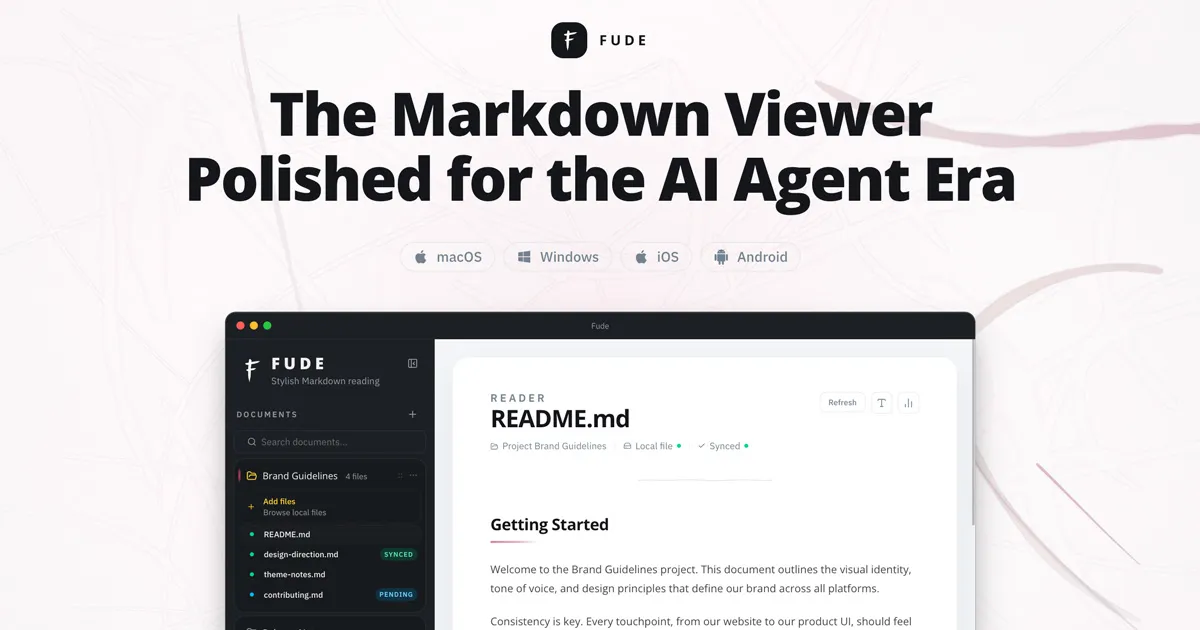
Fude is a Markdown reader designed with a single goal: making your .md files enjoyable to read, on all your screens.
No built-in editor for now. A pleasant rendering of your documents, an interface designed for reading comfort, the ability to customize the appearance, and native support for Mermaid diagrams.
The idea is simple: you keep your favorite editor to write, whether it is VS Code, Obsidian, or Cursor, and you use Fude to read.
2. Connected to your sources
One of the aspects that mattered most to me: Fude does not force you to move your files. You can connect your existing sources, whether local files scattered across your computer, GitHub, or Google Drive, and group all of that into projects inside the app.
Navigate between files from the same project in one click, without having to search for where they are stored.
3. Synced everywhere, effortlessly
Fude will be a Markdown reader available on Mac, Windows, iOS, and Android with seamless synchronization.
Obsidian is powerful, but it is too broad for my taste, and syncing is paid. Other tools exist, but they are desktop-only or limited to the Apple ecosystem.
Fude is local-first by default: your files stay on your drive, nothing goes through our servers unless you enable cloud sync. And in that case, it is encrypted.
4. An integrated MCP server
As a Product Engineer passionate about AI, I could not launch Fude without integrating an MCP server (Model Context Protocol) to make your notes easily accessible to AI agents.
Concretely, this means you can connect your Fude notes to any compatible AI: Claude, ChatGPT, Cursor, and many others. The AI agent can read your documents, analyze your writing style, or help you draft new content inspired by your existing notes.
Everything runs locally. Nothing leaves your machine.
5. An independent project
My name is Antoine Frankart, aka eMeRiKa. I am a consultant with more than 18 years of experience at the intersection of product, design, and code. I am building Fude first for my own needs, hoping it can also help others. I am also building Begonia.pro, a local SEO SaaS.
What you will find on this blog
This blog accompanies the launch of Fude. You will find:
- The changelog and roadmap of Fude.
- Practical Markdown guides with examples: syntax, tables, Mermaid diagrams, and formatting tips.
- Articles about AI and Markdown: how to use AI agents with your notes, the MCP protocol, and the workflows I am putting in place.
Try it in early access
Fude is available in private beta. If you write in Markdown and are looking for a reader for your notes available across all your devices, sign up for the private beta.
If you have feedback or feature ideas, you can find me on X or LinkedIn.