Markdown Guides
April 13, 2026
By Antoine Frankart
Markdown Table: Complete Guide with Examples
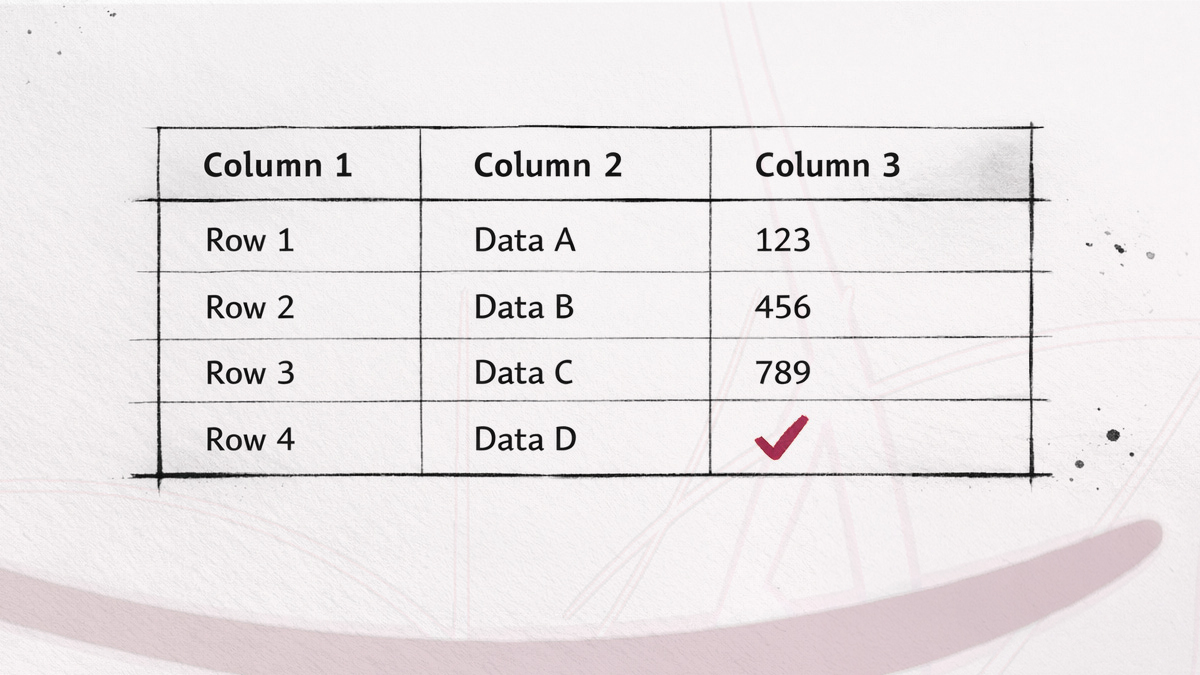
Markdown tables look intimidating in raw text. Pipes everywhere, dashes lining up (or not), content that refuses to stay in its column. But the syntax is actually simple once you understand the three parts: header, separator, rows.
Here's everything I've learned about Markdown tables, from the basics to the edge cases.
The basic syntax
A Markdown table has three components: a header row, a separator row, and one or more data rows.
| Name    | Role     | Location |
| ------- | -------- | -------- |
| Alice   | Dev      | Paris    |
| Bob     | Designer | Lyon     |
| Charlie | PM       | Remote   |
The rules:
- Use
|(pipe) to separate columns. - Use
---(three or more hyphens) in the separator row to define each column. - Add a pipe at the beginning and end of each row. Technically optional in some parsers, but always do it for compatibility.
- Leave a blank line before the table. Without it, some renderers won't parse it correctly.
Cell widths don't need to match. This is perfectly valid:
| Name | Role |
| --- | --- |
| Alice | Developer |
| Bob | Designer |
The rendered output will look identical whether you align the pipes in the source file or not. Alignment in the raw file is purely cosmetic, it helps readability when you open the .md file in a text editor, nothing more.
Column alignment
By default, text is left-aligned. You can change this with colons in the separator row:
| Product       | Stock |  Price |
| :------------ | :---: | -----: |
| Markdown Book |  Yes  |  19.99 |
| Cheat Sheet   |  No   |   4.99 |
| Sticker Pack  |  Yes  |   2.49 |
The colons work like this:
:---or:--left-aligned (default).:---:or:-:center-aligned.---:or--:right-aligned.
The number of hyphens doesn't matter. :--: works the same as :--------:. Only the position of the colons counts.
A common pattern: left-align text columns, center-align status columns, right-align numbers. This makes tables much easier to scan.
Formatting text inside cells
You can use most inline Markdown formatting inside table cells:
- Bold:
**text** - Italic:
*text* Code:`code`- Links:
[text](url) Strikethrough:~~text~~
Example:
| Feature          | Status        | Notes                    |
| ---------------- | ------------- | ------------------------ |
| **Dark mode**    | `Done`        | Shipped in v2.1          |
| *Sync*           | `In progress` | [See PR #42](https://…)  |
| ~~Old feature~~  | `Removed`     | Deprecated in v3.0       |
What you generally cannot use inside GitHub Flavored Markdown (GFM) style table cells as Markdown syntax: headings, blockquotes, horizontal rules, lists, or code blocks. Tables parse inline content, not block-level elements. Images are inline, so many renderers support them, but they can make tables harder to read.
Escaping the pipe character
Since | is the column delimiter, displaying a literal pipe inside a cell requires escaping.
Two methods:
| Syntax    | Example      |
| --------- | ------------ |
| Backslash | A \| B       |
| HTML code | A | B |
The backslash method (\|) works in GitHub Flavored Markdown (GFM) and most modern parsers. The HTML entity (|) is the universal fallback, it works everywhere.
Multiline content in cells
GitHub Flavored Markdown (GFM) tables don't natively support multiline Markdown blocks inside a single cell. In practice, each cell is best treated as a single line of inline content.
But in practice, you often need more than a few words in a cell. Here are the workarounds:
HTML line breaks
The <br> tag works in most renderers:
| Step | Description                                  |
| ---- | -------------------------------------------- |
| 1    | Clone the repo<br>Run `npm install`          |
| 2    | Create a `.env` file<br>Add your API key     |
This is the most common workaround. It works on GitHub, Obsidian, GitLab, and many static site generators that allow inline HTML, but it is still worth testing in your target renderer.
HTML lists inside cells
If you need actual bullet points inside a cell, use HTML:
| Module | Includes                                              |
| ------ | ----------------------------------------------------- |
| Core   | <ul><li>Parser</li><li>Renderer</li></ul>             |
| Extras | <ul><li>Syntax highlighting</li><li>Tables</li></ul>  |
Not every renderer supports this. Because list tags such as <ul> are block-level HTML, support inside table cells varies more than with <br>. Some renderers handle it, some strip it, and others render it inconsistently. Test before committing to this approach.
Tables without a header
In GitHub Flavored Markdown (GFM) style tables, a header row is required. There's no way around this in that syntax.
If you don't want a visible header, the closest workaround is using empty header cells:
|     |     |
| --- | --- |
| A1  | B1  |
| A2  | B2  |
The header row still exists in the HTML output (as <thead>), but visually it renders as an empty row or is hidden depending on the CSS. On GitHub, the empty header is visible but discreet. In Obsidian, it depends on the theme.
Another approach is using HTML directly:
<table>
  <tr><td>A1</td><td>B1</td></tr>
  <tr><td>A2</td><td>B2</td></tr>
</table>
This skips the header entirely, but you lose the simplicity of Markdown syntax.
Can you merge cells?
No. Markdown has no syntax for colspan or rowspan.
If you genuinely need merged cells, your only option is writing the table in HTML:
<table>
  <tr>
    <th colspan="2">Full Name</th>
    <th>Role</th>
  </tr>
  <tr>
    <td>Alice</td>
    <td>Martin</td>
    <td>Dev</td>
  </tr>
</table>
This works in any renderer that accepts HTML tables. But it defeats the purpose of Markdown: readability in source form. I reserve HTML tables for cases where the layout truly requires merging, which is rarer than you'd think.
Adding a caption
Standard Markdown tables don't support captions. No syntax exists for it.
The simplest workaround is adding an italic line directly below the table:
| Quarter | Revenue |
| ------- | ------: |
| Q1      |   $120K |
| Q2      |   $145K |

*Table 1: Revenue by quarter, 2025.*
For HTML output, you can use the <caption> tag:
<table>
  <caption>Revenue by quarter, 2025</caption>
  <tr><th>Quarter</th><th>Revenue</th></tr>
  <tr><td>Q1</td><td>$120K</td></tr>
</table>
If you're using a static site generator (Nuxt Content, Hugo, Astro, etc.), check if it offers a table caption extension or shortcode. Some do.
Tables in GitHub
GitHub Flavored Markdown (GFM) fully supports tables. A few specifics:
- The pipes at the start and end of rows are optional in GFM, but I recommend always including them.
- GitHub renders tables with alternating row shading (zebra stripes), which helps readability.
- Inline formatting works: bold, italic, code, links, strikethrough.
- HTML inside cells is partially supported.
<br>works well, but more complex HTML inside cells is less predictable and some tags get stripped. - GitHub auto-wraps long cell content. No horizontal scroll, the text just wraps to the next line within the cell.
A common pattern in GitHub issues and PRs: using tables for comparison.
## Comparison

| Approach   | Pros              | Cons               |
| ---------- | ----------------- | ------------------ |
| Option A   | Simple, fast      | Limited features   |
| Option B   | Feature-rich      | Complex setup      |
Tables in Fude
In Fude, standard Markdown tables work the way you would expect. If your table uses the usual GitHub-style syntax, it should render cleanly:
- a header row, a separator row, and body rows
- column alignment with
:---,:---:, and---: - inline formatting inside cells such as bold, italic, code, and links
- Links inside tables behave just like links elsewhere in Fude. Web links open normally, and Markdown links can still point to other notes.
<br>inside a cell works, it adds a line break
If you stay with regular Markdown table syntax, Fude will handle it well.
- HTML lists such as
<ul><li>...</li></ul>inside cells are not supported - raw HTML tables with
<table>,<caption>,colspan, orrowspanare not supported either
Tables in Obsidian
Obsidian supports standard Markdown table syntax. In practice:
- Live preview mode renders tables in real time as you type.
- Obsidian has a built-in table editor (right-click on a table) that lets you add/remove rows and columns without touching the raw syntax.
- Alignment with
:works as expected. <br>inside cells works in reading mode and live preview.
One thing to watch: if your table is inside a callout block (> [!note]), every row needs to be prefixed with >. This gets tedious for large tables.
When a table isn't the right tool
Markdown tables work well for structured, tabular data with a consistent number of columns. They don't work well when:
- Cells contain paragraphs of text. The raw Markdown becomes unreadable, and the rendered output looks cramped.
- You need merged cells, nested tables, or complex layouts. Use HTML instead.
- The data is a simple key-value list. A definition list or even bold text is simpler:
**Name:** Alice
**Role:** Developer
**Location:** Paris
This is easier to read (and write) than a two-column table for the same information.
Debugging common problems
"My table doesn't render"
The most frequent cause: no blank line before the table. Add one.
Second most frequent: the separator row is missing or malformed. Every table needs a | --- | --- | line between the header and data rows. If you forget it, the parser sees plain text, not a table.
"Columns are misaligned in the output"
If one cell has more content than the others, some renderers will stretch that column. This is normal behavior, Markdown tables adapt to content width. You can't set fixed column widths in Markdown.
"My pipe character shows up as a column separator"
Escape it: \| or |. See the section above on escaping.
"Line breaks inside cells don't work"
Standard Markdown doesn't support this. Use <br> for line breaks inside cells. If <br> doesn't work, your renderer likely strips HTML tags, check its documentation.
Quick reference
# Basic table
| Header 1 | Header 2 |
| -------- | -------- |
| Cell 1   | Cell 2   |


# Alignment
| Left | Center | Right |
| :--- | :----: | ----: |
| A    |   B    |     C |


# Formatting
| Feature     | Status   |
| ----------- | -------- |
| **Bold**    | `code`   |
| *Italic*    | [Link]() |


# Escape pipe
| A \| B | C | D |


# Line break in cell
| Step | Do this<br>Then that |
Markdown tables cover 90% of the structured data you'll ever need in a .md file. For the other 10%, merged cells, captions, complex layouts, HTML is right there.
The key is knowing when to use which.
To learn how to neatly separate sections around your tables, read our article: How to Add a Horizontal Line in Markdown.
If you're looking for a Markdown viewer that renders tables cleanly across all your devices, with syntax highlighting, and a polished reading experience, have a look at Fude.