AI
April 18, 2026
By Antoine Frankart
Markdown and AI: why all LLMs adopted this format
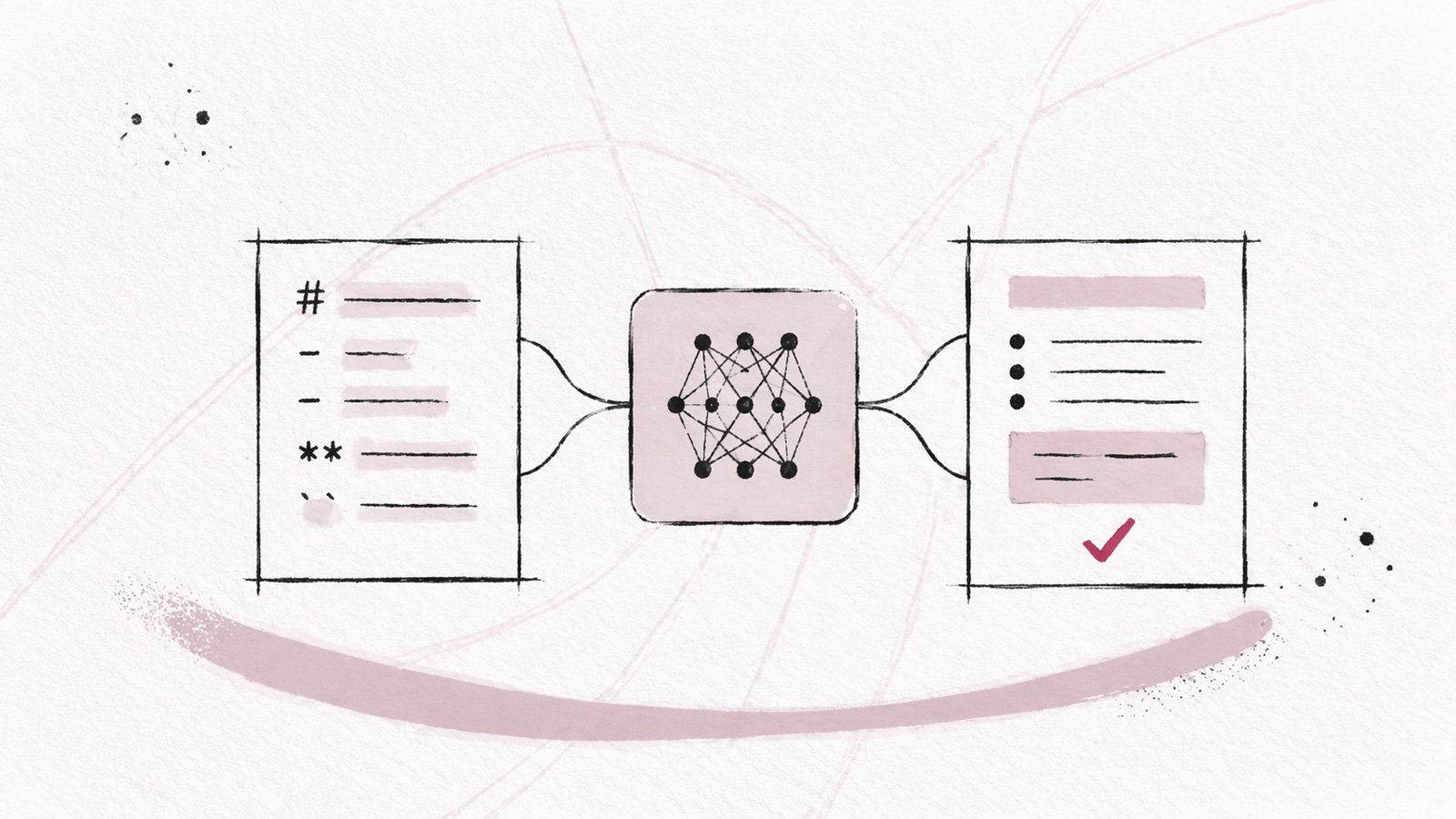
Ask Claude, ChatGPT, or Gemini to explain a technical concept. Look closely at the answer. There are headers with ##, text surrounded by **, bulleted lists, and other formatting symbols. You are reading Markdown.
Most people don't realize it. They see well-formatted, clear, spaced-out text. But behind this rendering, there is a syntax that the model produced and that the interface transformed on the fly.
This is the result of a series of technical decisions, which explain why Markdown became the default output format for all major LLMs, and why a tool designed to read it properly is essential.
What AI actually produces
When you ask an LLM a question, it doesn't generate HTML. It doesn't produce Word, or a PDF. It generates raw text with a lightweight syntax.
This syntax is Markdown.
Here is what a typical response from Claude looks like in raw text, before rendering:
## Steps to configure your environment

1. Install **Node.js** (version 18 or higher)
2. Clone the repository with `git clone https://github.com/...`
3. Run `npm install` in the project folder

> **Note:** check your version with `node --version` before continuing.
What the model wrote: six lines of Markdown syntax. AI writes Markdown, and it's also a format it reads very well.
A brief history of Markdown
Markdown was created in 2004 by John Gruber and Aaron Swartz with a specific goal: to write text readable by both humans in its raw form and by machines to convert it to HTML. The idea was simple: use existing typographic conventions (asterisks for bold, hashes for headers) rather than inventing a new syntax.
In its early days, Markdown was mostly a tool for bloggers. Then GitHub adopted it for README files in 2009, and it exploded. In just a few years, the format became the standard for technical documentation, wikis, product specs, and developer notes.
It is this omnipresence in the development ecosystem, billions of documents, comments, issues, pull requests, that laid the foundation for its predominance with AI.
Why LLMs naturally adopted Markdown
Large language models were trained on billions of tokens from the web, GitHub repositories, technical documentation, forums like Stack Overflow and Reddit. A massive part of this corpus is written in Markdown. READMEs, wikis, doc articles, product specifications, blog posts.
The model didn't "learn" to write Markdown via an explicit rule. It internalized it because it's the dominant language in the data it was trained on. When asked to structure an answer, it reproduces the patterns it has seen millions of times.
This adoption isn't just a matter of style. It is also deeply linked to efficiency.
Token efficiency: the metric that explains everything
A token is not a word. It is a unit of text, roughly 4 characters in English. Each request to an LLM costs tokens for input and output. And every token counts, in terms of cost, latency, and context limit.
Let's compare the same formatting in different formats:
| Format | Syntax for "important" in bold | Approximate tokens |
|---|---|---|
| Markdown | **important** |
4 |
| HTML | <strong>important</strong> |
10 |
| RTF | {\b important} |
7 |
| LaTeX | \textbf{important} |
8 |
This is not insignificant on a long document. Cloudflare explained that switching to Markdown in their LLM pipelines allowed them to reduce token usage by 80%. This figure is often cited, and it illustrates something real: the verbosity of a format has a direct cost in the LLM economy.
Markdown is designed to be readable by humans in its raw form. It doesn't have the verbosity of HTML or the complexity of LaTeX. For an LLM that pays for every character in performance and cost, it is the ideal format.
Markdown vs other formats: the complete comparison
Here is what it looks like when we compare the main formats on the criteria that matter for AI usage:
| Criterion | Markdown | HTML | JSON | Plain text | LaTeX |
|---|---|---|---|---|---|
| Token efficiency | ✅ High | ❌ Low | ⚠️ Medium | ✅ High | ❌ Low |
| Raw readability (human) | ✅ Excellent | ❌ Difficult | ⚠️ Partial | ✅ Excellent | ❌ Technical |
| Semantic structure | ✅ Yes | ✅ Yes | ✅ Yes | ❌ No | ✅ Yes |
| Simple visual rendering | ✅ Easy | ✅ Native | ❌ No | ❌ No | ⚠️ Complex |
| Present in training corpus | ✅ Massive | ✅ Massive | ⚠️ Partial | ✅ Massive | ⚠️ Specialized |
| Ideal for AI agents | ✅ Yes | ❌ Verbose | ⚠️ Data only | ❌ Unstructured | ❌ Too technical |
Plain text is compact, but it loses all semantic structure. JSON is structured but hard to read without rendering. HTML is rich but too verbose. Markdown occupies the sweet spot: compact, readable, structured.
It is no coincidence that all major models, like ChatGPT, Claude, Gemini, Mistral, use the Markdown format by default in their responses.
How Markdown helps AI reason better
There is a lesser-known aspect of the relationship between LLMs and Markdown: the structure is not only useful for output. It influences the reasoning itself.
Several studies show that asking an LLM to structure its response, with headers, numbered steps, lists, improves the quality of reasoning. The model, by structuring, breaks down the problem. It is an implicit form of chain-of-thought.
A well-structured response in Markdown is not only easier to read. It is often more correct, because the model was forced to organize its thoughts into distinct sections.
This is also why effective system prompts often use Markdown. We don't just tell the AI to "be precise": we give it a skeleton structure to follow.
## Context
You are a software architecture expert.

## Expected response format
- Start with a 2-3 sentence summary.
- Detail the steps in a numbered list.
- End with a ## Key takeaways section.
This kind of prompt works because the model recognizes Markdown patterns and naturally integrates them into its generation.
The weak point: reading
Everyone talks about Markdown as a tool to write prompts. To structure context notes. To organize specs sent to AI.
This is true, but there is a flaw: you receive Markdown in return, and most AI applications or coding tools don't provide a pleasant and efficient interface to read it properly.
You ask Claude to write a well-structured 3,000-word product spec. It delivers it in Markdown. You copy-paste it into a Word document, the formatting goes up in smoke. You open it in a text editor, you read raw ## Title and **bold**. You email it to a colleague, they don't know what to do with the .md file.
This is not a Markdown problem. It's a Markdown file reader problem.
Markdown was never designed to be read in its raw form. It was designed to be rendered. And yet, in AI workflows, outputs are copied into tools that lack even very basic Markdown rendering.
This is what our Fude app solves: a pleasant and efficient interface to read Markdown. The ability to customize the display, links between files, a table of contents, synchronization across your devices...
Markdown and AI agents: the MCP case
With the rise of AI agents and the MCP (Model Context Protocol), the relationship between Markdown and AI takes on a new dimension.
AI agents read your notes to help you work. They analyze your specs to extract tasks. They scan your documents to answer contextual questions.
A well-structured .md file is much easier for an agent to parse than a .docx or a .pdf. The hierarchy of headers (#, ##, ###) provides an implicit table of contents. Code blocks are clearly delineated. Lists can be parsed unambiguously.
In practice: if you store your meeting notes, your specs, your brainstorms in Markdown files, you give them the ideal structure to be exploited by your AI agents. No need for an additional processing layer.
This is the virtuous cycle of Markdown in the AI era: you write in a format the AI understands natively, the AI responds in that same format, and you re-read and reuse this content with the same tools.
Fude offers a local MCP server that allows you to connect your notes saved in Fude to any compatible AI: Claude, ChatGPT, Cursor, and many others. The AI agent can read your documents, analyze your writing style, or help you draft new content inspired by your existing notes thanks to our MCP server.
Reading AI properly: Fude's goal
Existing Markdown tools are almost all designed for writing. Obsidian, Notion, Typora, their core value proposition is editing.
But when you receive an answer from Claude or a spec generated by Codex, you don't need an editor. You need a reader. Something that renders Markdown cleanly, on all your devices, without friction.
That is exactly Fude's goal. Not an editor. A reader, designed so that the rendered Markdown is pleasant to consult, whether it's an AI-generated spec, a doc article, or meeting notes.
You connect your existing sources (local files, GitHub, Google Drive), you organize your content into projects, and you read. Cleanly. With Markdown rendering that respects hierarchy, tables, code blocks, and Mermaid diagrams. And with a built-in MCP server, your notes become directly accessible to your AI agents.
To understand the vision behind Fude, you can read our article Fude a Markdown reader for the AI era.
Markdown is not just another format. It's the language in which AI thinks and expresses itself. If you use LLMs seriously, to write, analyze, specify, document, you are producing dozens of Markdown files every week, often without knowing it.